v0.1.4is out

The video engine for AI agents.

Agents write video as code. Valle checks it, shows them the frames, and renders it: programmatic video, natively, on your machine.

curl -fsSL https://openvalle.ai/install.sh | sh

Then give your agent the skill: npx skills add openvalle/valle · Other ways to install

valle timeline render reel.timeline.json --storyboard 60 fps

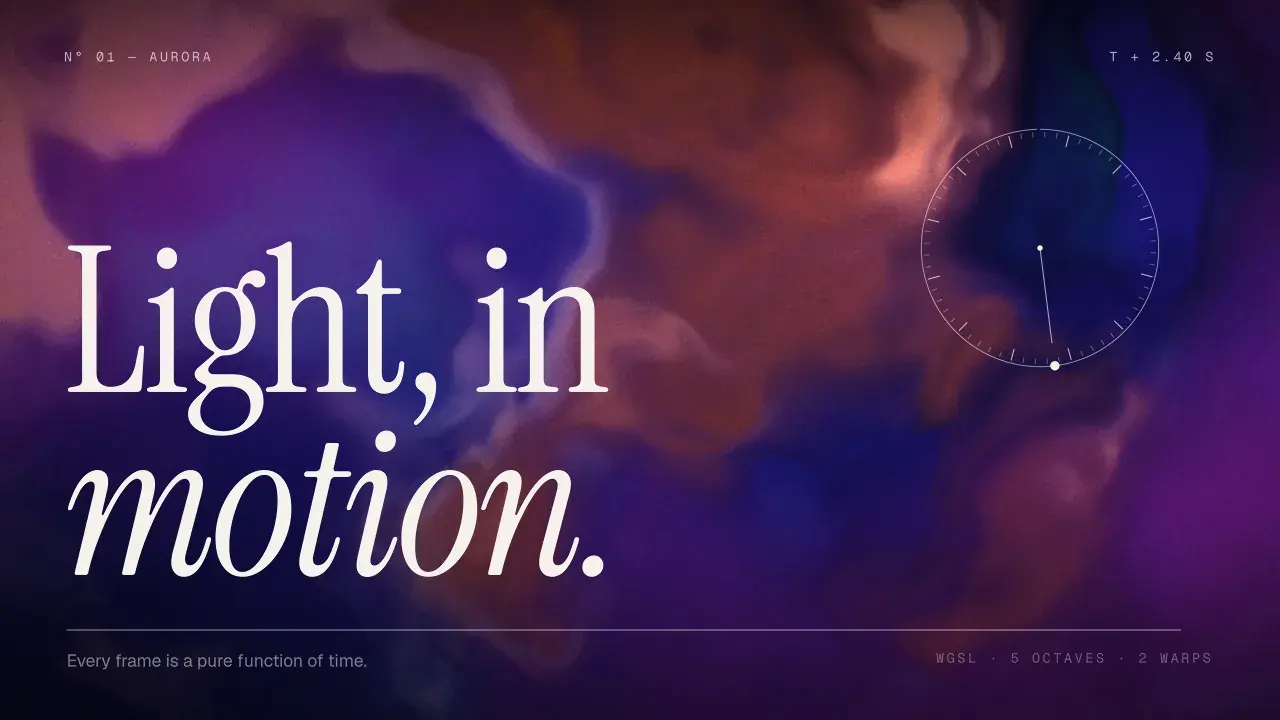
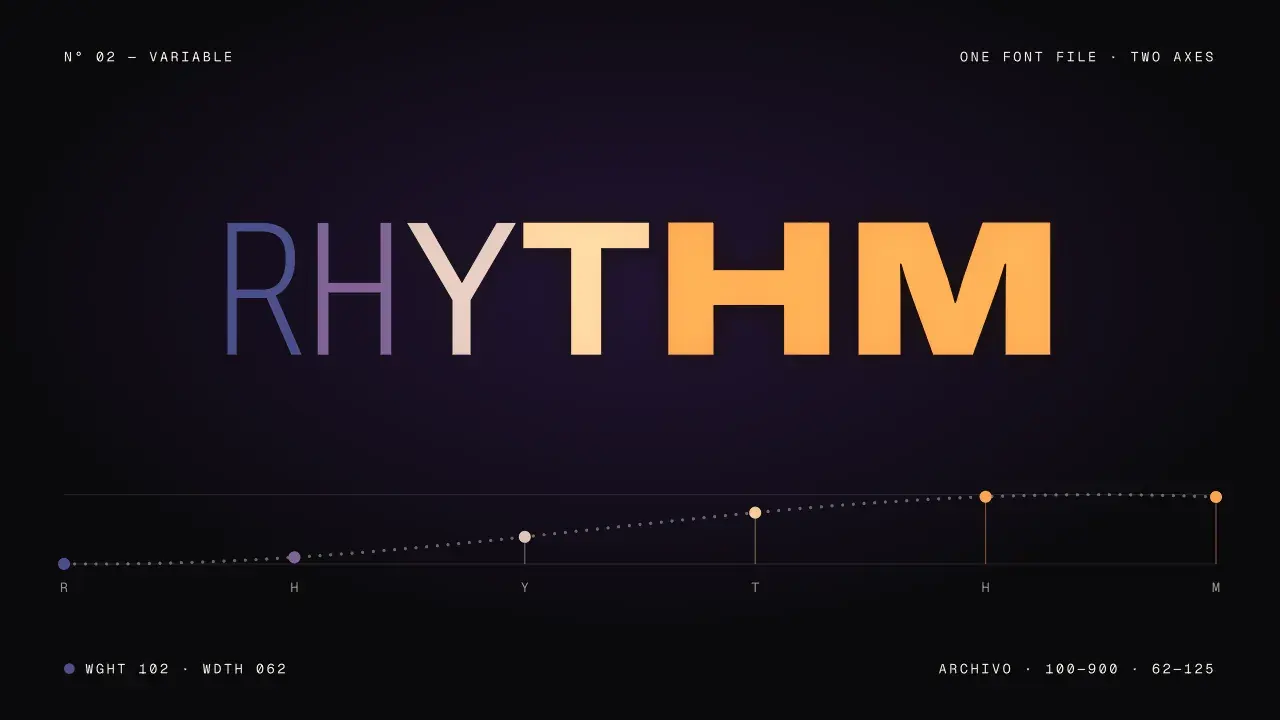
Rendered by Valle from five source files. Click a frame to play it live.

What it is

Your agent already knows how to write it.

Motion graphics are React-style components with Tailwind. Video edits are a JSON timeline. No editor to drive, no browser to screenshot. Just files an AI agent can write, check and render into an MP4.

title.motion.tsxA scene
export const composition = {
  width: 1920, height: 1080, fps: 30, duration: 3,
};

export default function Title() {
  const { seconds } = useCurrentTime();
  const shown = interpolate(seconds, [0, 0.8], [0, 1], {
    easing: "easeOutExpo",
  });
  return (
    <View className="grid size-full place-items-center
                     bg-linear-to-br from-indigo-600 to-fuchsia-500">
      <Text className="text-9xl font-black text-white"
            style={{ opacity: shown }}>
        Hello, Valle
      </Text>
    </View>
  );
}
The frame the title scene draws: “Hello, Valle” in white on a purple to pink gradient
Frame 45 of title.motion.tsx
edit.timeline.jsonAn edit
{
  "canvas": { "width": 1920, "height": 1080, "fps": 30 },
  "resources": {
    "title": "title.motion.tsx",
    "clip": "clip.mp4"
  },
  "tracks": {
    "visual": [{
      "items": [
        { "id": "title", "kind": "motion",
          "component": "title", "duration": 2 },
        { "transition": "fade",
          "inOffset": 0.4, "outOffset": 0.4 },
        { "id": "shot", "kind": "video", "src": "clip",
          "trimStart": 0.5, "duration": 2.5 }
      ]
    }]
  }
}
Run it
$ valle timeline check edit.timeline.json
135 frames, no problems
$ valle timeline render edit.timeline.json --storyboard -o sheet.png
12 frames drawn into sheet.png
$ valle timeline render edit.timeline.json -o edit.mp4
135 frames encoded into edit.mp4 in 1.5 s
Why Valle

Built around how agents work.

Video is code.

Scenes are components with Flexbox, Grid and Tailwind. Edits are JSON with tracks, transitions and keyframes. Diff them, review them, regenerate them.

{ "id": "title", "kind": "motion", "duration": 2 }, - { "transition": "fade", "inOffset": 0.4 }, + { "transition": "wipeLeft", "inOffset": 0.2 }, { "id": "shot", "kind": "video", "src": "clip" }

Agents see what they made.

An agent cannot watch a video, so Valle hands it frames: any frame as a PNG, or many on one storyboard. When something is wrong, check names the line and what to write instead.

What an agent reads when it reaches for HTML
$ valle motion check title.motion.tsx --json
{
  "status": "error",
  "message": "1 problem in 90 frames",
  "problems": [{
    "message": "title.motion.tsx:11:5: HTML tags are not supported: use <View> instead of <div>",
    "first": 0, "count": 90
  }]
}

Native, not a browser.

Valle's own engine, written in Rust, draws every frame on the GPU. No headless Chrome, no screenshots. The same input gives the same frame, every time.

.motion.tsx→headless browser→GPU→.mp4
Metal · Vulkan · Direct3D 12 · CPU fallback built in

One file, your machine.

The CLI, the renderer and Studio, an editor for people to watch and adjust the agent's work, in one executable. No cloud, no account.

macOS · Linux · Windows — x86_64 and arm64 valle motion · valle timeline · valle project · valle docs valle project studio
Made with Valle

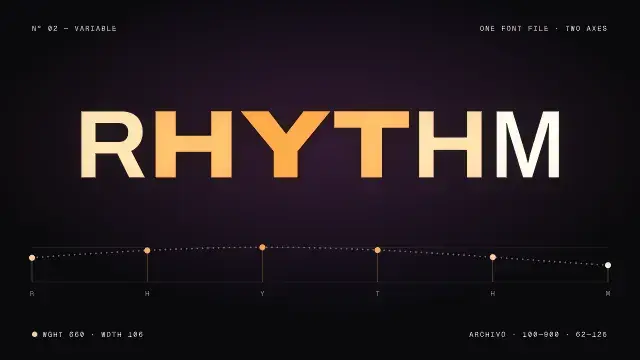
Five files. Five films.

Each one is a single source file of motion graphics code. Open them in your browser and Valle renders them live, the same engine compiled to WebAssembly.

Get started

Three steps to your first video.

Install Valle

One command. It downloads one executable, checks it and puts it on your PATH.

curl -fsSL https://openvalle.ai/install.sh | sh

Install FFmpeg

Needed for video. Graphics and frames work without it.

brew install ffmpeg Linux and Windows →

Add the skill to your agent

Then ask for a video. The agent writes the files, checks them, looks at the frames and renders.

npx skills add openvalle/valle “Make a 10-second launch video for our app.”

Or download v0.1.4: macOS Apple silicon · macOS Intel · Linux x86_64 · Linux arm64 · Windows x86_64 · Windows arm64